Bliq Billing
Everything a shop counter needs
Billing, stock, khata and reports in one place — on the counter computer, and on your phone when you are away.
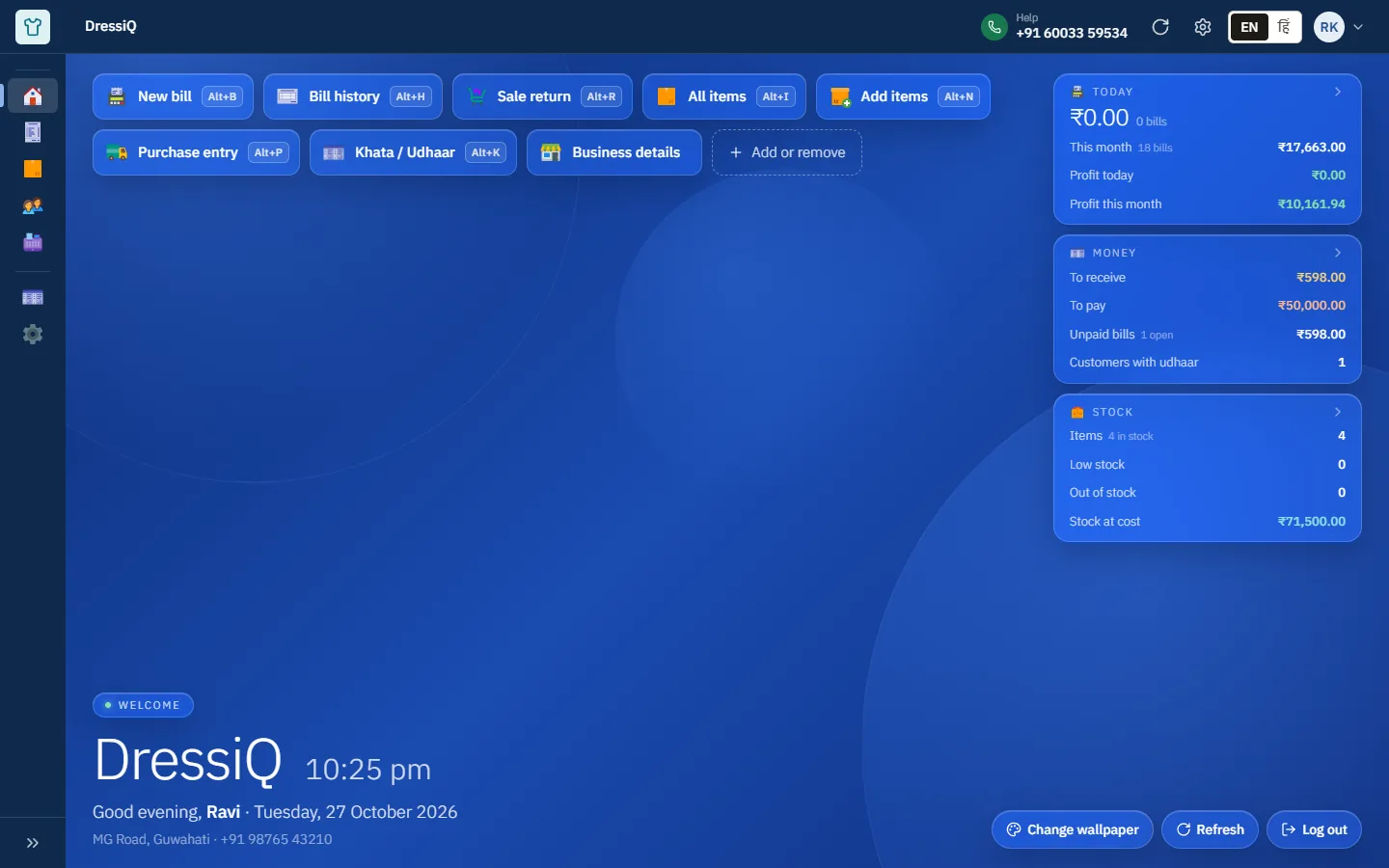
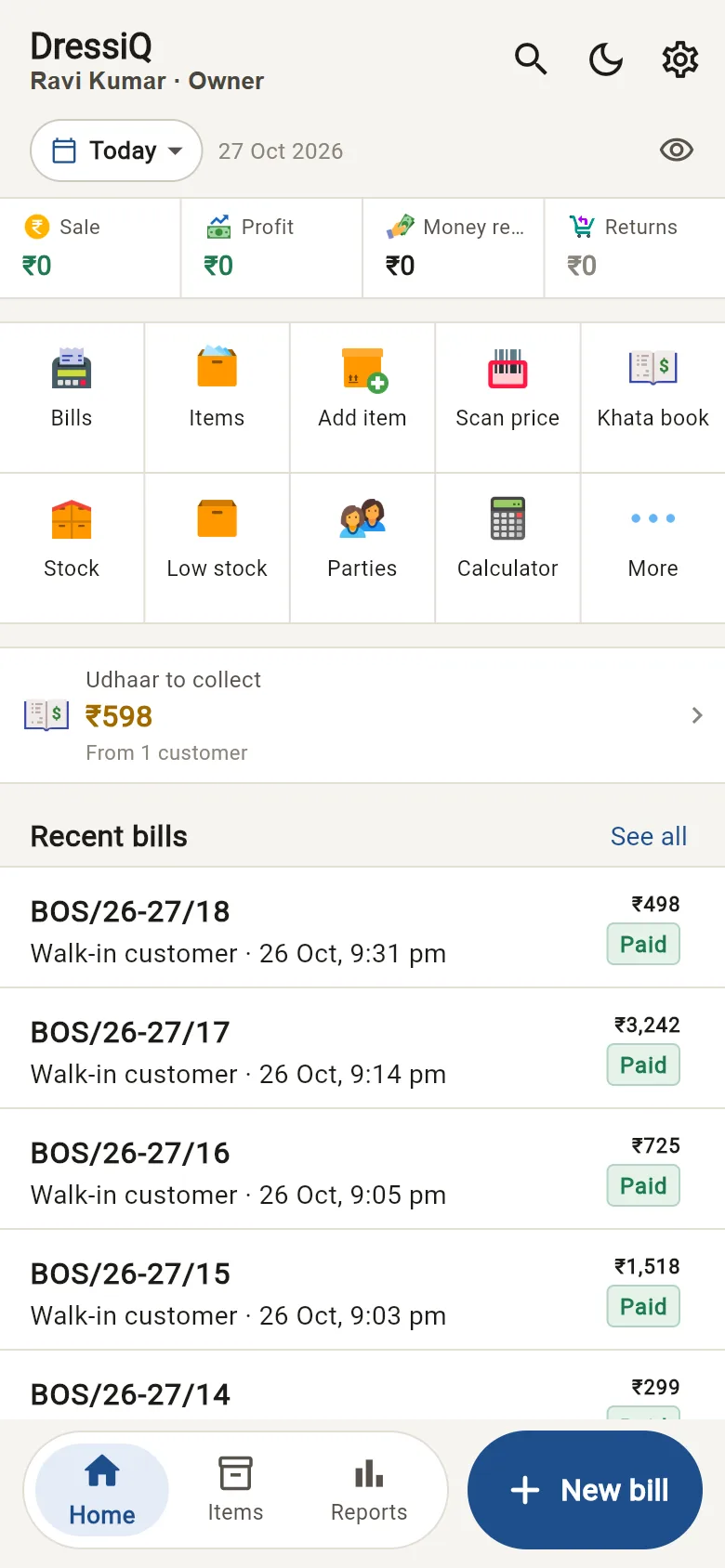
Everything inside
New bill
Barcode, keyboard shortcuts, cash / UPI / card / udhaar, split payment.
Items & variants
Size, colour, two units, MRP, retail and wholesale rates.
Barcode
USB scanner at the counter, phone camera anywhere.
Stock
Moves with every bill, purchase and return. Low-stock list.
Purchase
Supplier bills bring stock in at real cost.
Parties
Customers and suppliers, with special rates.
Khata / Udhaar
Dues, part payments, statements and receipts.
Returns
Credit note, stock back on the shelf or marked damaged.
Expenses
Rent, salary, tea — by category.
Day close
Close the counter and check the cash every evening.
Reports
Sales, items, GST, profit and dues. Excel download.
Staff & roles
Owner, manager, cashier. Discount limits.
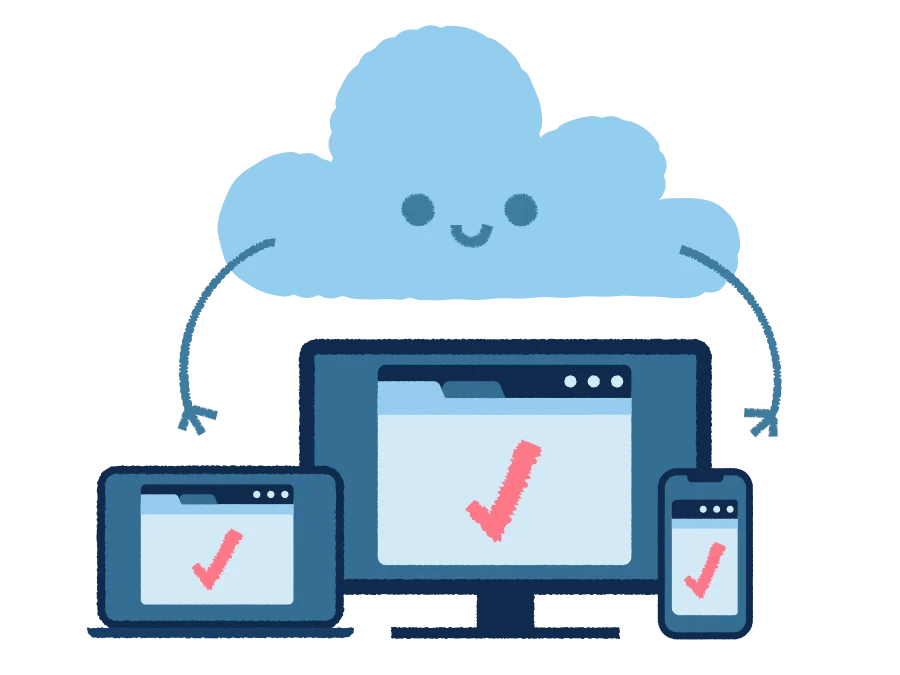
Works where you work
- Live
Computer / laptop
In Chrome or Edge. Live now.
- Pilot
Android phone
For pilot shops now, Play Store soon.
- Soon
Windows app (offline)
Bills without internet. Coming soon.
Getting started
Start in three steps
- 1
Log in with your phone
An OTP comes to your number. No password to remember.
- 2
Add your items
Import your Excel list, or scan barcodes one by one.
- 3
Make your first bill
Print it, or send it to the customer on WhatsApp.
FAQ
Questions shopkeepers ask
Can I use Bliq on my computer?+
Yes. Open app.bliq.in in Chrome or Edge on any computer or laptop. Nothing to install. A Windows app is coming too.
Do I need internet?+
Yes, for now. The Windows app that keeps billing without internet is being built.
Is there a phone app?+
Yes. The Android app is ready for our pilot shops and is coming to the Play Store.
Does it make GST bills?+
Yes — tax invoices for GST shops and bills of supply for others, plus a GST report you can give your CA.
Can my staff use it?+
Yes. Add each person with their own phone number and choose what they are allowed to do.
Can I bring my old item list?+
Yes. Import items from Excel, then add opening stock and old udhaar once.
Need help setting up?
Tell us about your shop. We will help you add your items and make your first bill.