Features
Everything you need to run the counter
Billing, stock, udhaar, purchase and reports — one app on your shop computer and your phone, with the same items and khata on both.
Billing
A complete bill in a few seconds
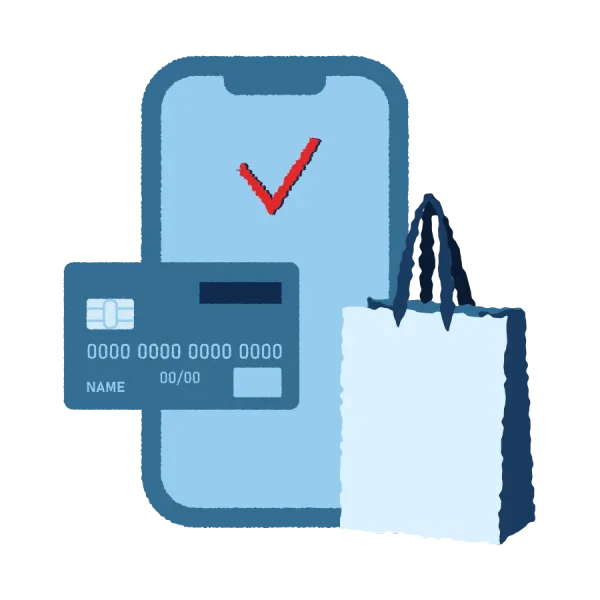
Scan or search the item, choose cash, UPI, card or udhaar, and save. Print on A4 or 80/58 mm thermal paper, or send the bill on WhatsApp.
- GST and non-GST bills
- Retail and wholesale price lists
- Hold a bill, serve the next customer
Stock
Know what is on the shelf
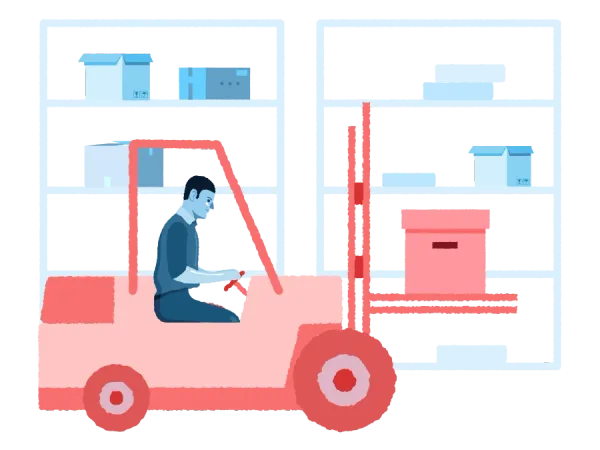
Every sale, purchase and return moves stock by itself. See what is running low before it runs out.
- Low-stock list
- Opening stock and adjustments
- Import items from Excel

Khata / Udhaar
Udhaar that is never forgotten
See who owes you and how much. Take part payments, and print statements and receipts.
- Customer and supplier dues
- Statement for any period
- Receipt number for every payment

Reports
Your day, month and GST — clear
Sales, item-wise, GST, expenses, profit and dues for any period. Download any report as Excel for your CA.
- Day close for the counter
- Expenses by category
- Profit, for owners only
All the parts of Bliq Billing
Every plan has every one of these.
New bill
Barcode, keyboard shortcuts, cash / UPI / card / udhaar, split payment.
Items & variants
Size, colour, two units, MRP, retail and wholesale rates.
Barcode
USB scanner at the counter, phone camera anywhere.
Stock
Inventory management: moves with every bill, purchase and return. Low-stock list.
Purchase
Supplier bills bring stock in at real cost.
Parties
Customers and suppliers, with special rates.
Khata / Udhaar
Dues, part payments, statements and receipts.
Returns
Credit note, stock back on the shelf or marked damaged.
Expenses
Rent, salary, tea — by category.
Day close
Close the counter and check the cash every evening.
Reports
Sales, items, GST, profit and dues. Excel download.
Staff & roles
Owner, manager, cashier. Discount limits.
Barcode labels
Price and barcode stickers on a label roll or an A4 sheet — from the computer or the phone.
Items from a photo
Take a photo of the supplier’s bill; Bliq fills the items and you check them.
Excel in and out
Bring your item list from Excel. Download any report or all your data as Excel.
Why Bliq
Built for how a counter really works
A bill is never made twice
Slow internet, a double click, the app closing — Bliq checks every save, so one sale is always one bill.
Cashiers never see your cost
Staff get their own login. Purchase price, profit and supplier dues stay with the owner.
Fast, even without a mouse
Scan a barcode or press F2 to find an item, F9 to save, F10 to save and print.
Hindi or English, one tap
Every screen and report works in both languages. Switch any time.
Your data stays yours
Download everything in one Excel file whenever you want. No lock-in.
Backed up every night
Automatic daily backup — and we test that each backup can really be restored.
Now live
Internet gone? The counter won’t stop.
Bliq on the counter computer keeps making and printing bills without internet, and sends everything to the server when the net is back.
Open Bliq once with internet — in the Bliq Windows app or in Chrome or Edge — and it is ready to bill offline.

Safety
Your shop’s data, kept safe
OTP login
Only a phone number you added can open your shop.
Roles for staff
Owner, manager and cashier each see only their work.
Every change logged
The activity log shows who changed what, and when.
Stored in India
Your data is kept on servers in Bengaluru.
Need help setting up?
Tell us about your shop. We will help you add your items and make your first bill.